Originally published Aug 2022 on the Splitgraph engineering blog.
Restored here in Oct 2026 with minor formatting edits. While the DDN has been retired, its boundary breaking nature is still relevant today
How Splitgraph’s DDN HTTP API lets you run SQL queries directly from the browser, opening new possiblities for client-side data-driven apps.
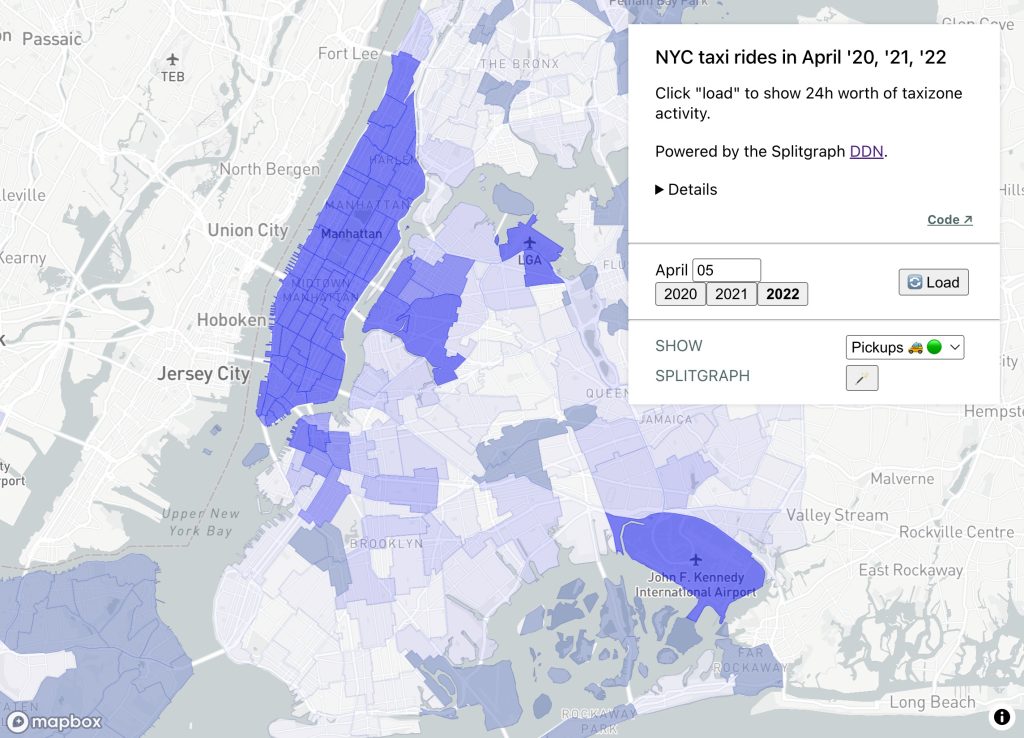
Serverless SQL Queries
Frontend developers who write SQL have traditionally been required to sequester their SQL queries to a backend server. The popular adage has more or less been ‘don’t run SQL directly from the frontend.’
For Splitgraph users, it turns out the old rules no longer apply. Thanks to the DDN HTTP API, the browser can work directly with raw SQL queries. In this post we demonstrate by building a client-side only dashboard with taxi ride data.
In a nutshell
Today we build a 100% client-side JavaScript app. We will:
- download official NYC taxi data and publish it to a Splitgraph repo
- write some SQL to roll up taxi zone activity across a 24h period
- clone and run a SPA to present taxi activity on an interactive map of NYC
Dashboard goal: NYC Covid recovery followup
Whereas we previously focused on subway rides, cab rides are also a familiar sight to New Yorkers. Rendering taxi activity on a map of NYC may give us additional indicators into how the Covid recovery is going.
I assume you have a Splitgraph account (need one?), Node.js, and the sgr CLI available.
Download the data
Taxi ride datasets are published at nyc.gov on a monthly basis. April is the most recent month available at the time of writing, so let’s download yellow cab records for April, across 2020, 2021, and 2022. It looks something like this:
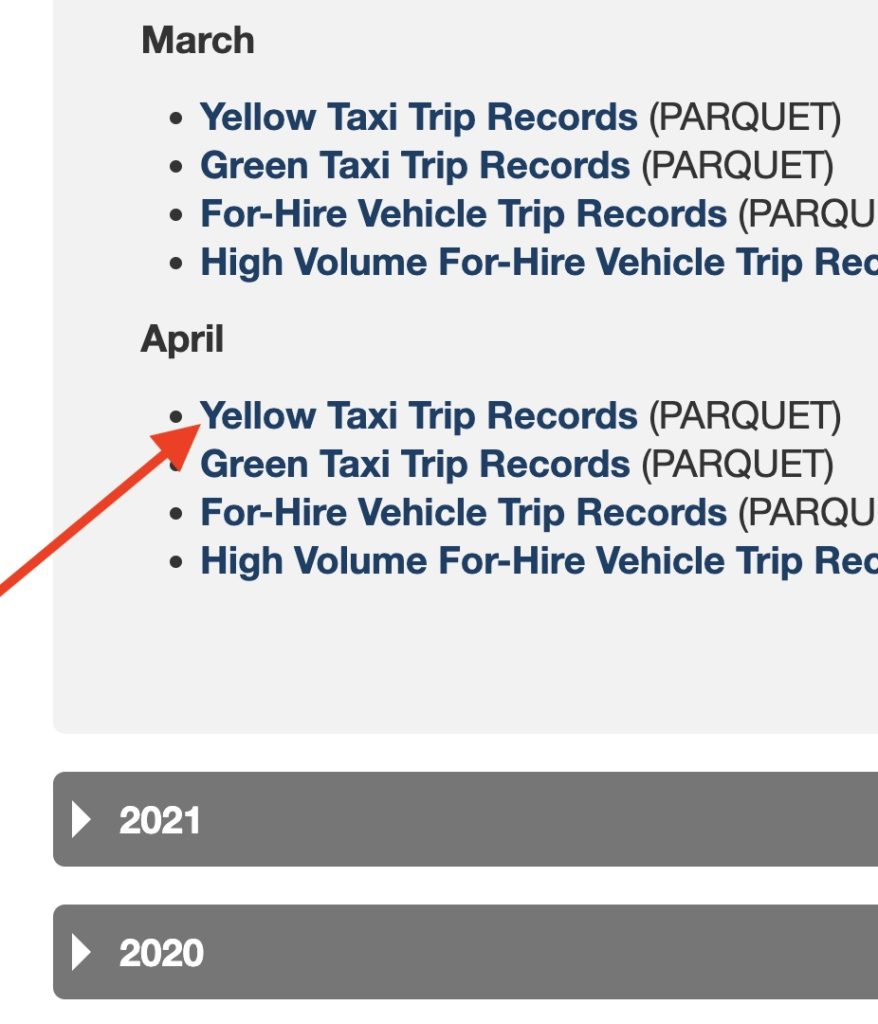
Note: as of May 2022 nyc.gov started publishing this data in Parquet format, but we need CSV format, please convert however you prefer.
parque2csv.py helper (optional)
I wrote a quick script to help convert to CSV; it depends on pandas and fastparque.
pip install pandas fastparquetHowever you make your CSVs once they’re ready, please upload them via the sgr CLI.
$ sgr cloud upload $yourSplitgraphUser/nyctaxi yellow_tripdata_2020-04.csv yellow_tripdata_2021-04.csv yellow_tripdata_2022-04.csv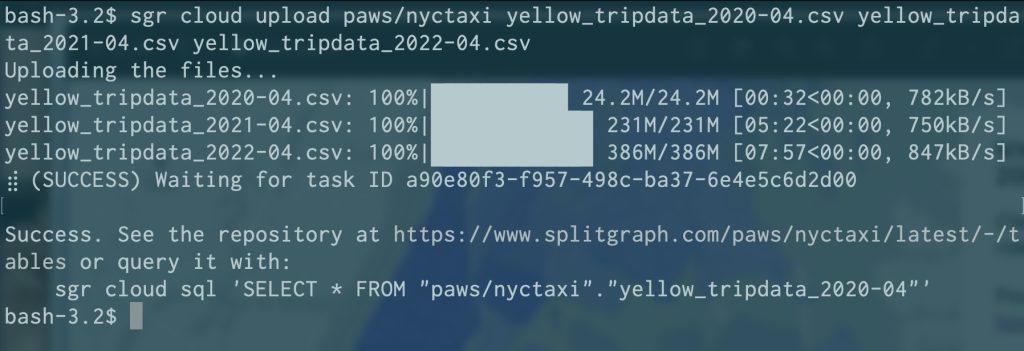
Once the CSVs have been ingested your repo should look like this:
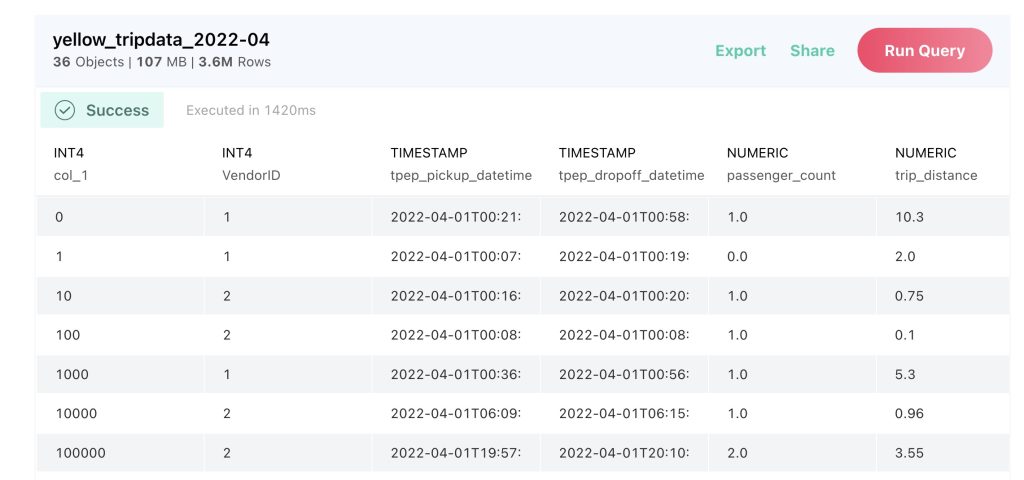
Download and publish taxi data to Splitgraph: ✅
SQL rollup
To populate the taxi zones with a 24 hour sample, let’s roll up all taxi pickups and drop-offs that occurred during the given day.
Clone the React app
The repo is available on GitHub.
Want to step through each moment of the code’s development?
Initial CRA Tag: setup-cra
Add taxi zone data Tag: taxizone-data
Handle fetching + mapping Tag: fetch-and-map
Since we use mapbox-gl for the interactive map, if needed consider getting yourself a free API key at mapbox.com
Changing the date and clicking ‘load’ will cause new data to be fetched and rendered on the app.
Clone and run the SPA: ✅
Conclusion
The DDN HTTP API offers a convenient way to move beyond the old rules of the road, and let frontend developers run queries from their end user’s browser.
